
Building CRM automation systems for service businesses is what I do daily as CRM Expert at Sales Compass. Every workflow in this guide comes from real client implementations across health clinics, coaching businesses, home services companies, and professional service firms. The patterns that consistently move the needle for service businesses are different from what works for e-commerce or B2B SaaS. This guide documents what actually works in production, not what looks clean in a demo.
Table of Contents
Most service businesses are running their sales and marketing on a combination of spreadsheets, manual follow-up, and whoever remembered to send the email this week. The leads that do not get called back within 15 minutes go cold. The appointments that do not get reminders result in no-shows. The clients who are not followed up after delivery never rebook.
CRM automation solves all three problems simultaneously, and in 2026 the tools to do it have never been more accessible or more affordable for businesses of any size.
According to Nucleus Research, CRM systems deliver an average return of $8.71 for every dollar spent, largely through reduced manual effort and better revenue visibility. Sales teams using CRM automation report 14.5 percent higher quota attainment on average. Automated lead scoring reduces time-to-contact by 60 to 80 percent. Pipeline automation reduces manual data entry by 3 to 5 hours per sales rep per week.
This playbook covers CRM automation for service businesses end to end: what it is, which workflows deliver the fastest ROI, which platforms work best by business type, and how to implement a working system without a technical background.
What Is CRM Automation for Service Businesses?
CRM automation for service businesses is the use of rules, workflows, and AI inside your CRM to perform repetitive tasks automatically instead of by hand. Common examples include routing new leads to the right pipeline stage, sending instant follow-up messages, moving deals forward when appointments are booked, triggering reminder sequences before appointments, and requesting reviews after service delivery.
The shift happening in 2026 is from passive software to active AI agents. Your CRM is no longer just a database that stores contacts. It is a system that thinks, prioritizes, and acts on your behalf. Features that required expensive developers two years ago now run on one-click workflow builders that non-technical business owners configure in an afternoon.
For service businesses specifically, CRM automation addresses the three biggest revenue leaks in the sales process:
Speed to lead: The average service business responds to inbound inquiries in 4 to 8 hours. Responding in under 5 minutes makes you 100 times more likely to connect. Automation makes instant response the default regardless of business hours.
Appointment no-shows: The average no-show rate for service business consultations and appointments runs 25 to 35 percent without structured reminder automation. A well-configured reminder sequence cuts this to under 10 percent.
Inconsistent follow-up: Most service businesses give up on a lead after 1 to 2 touches. The majority of sales happen after 5 or more touchpoints. Automation runs the follow-up sequence consistently whether or not a team member remembers to do it manually.
The 6 Core CRM Automation Workflows for Service Businesses
These six workflows cover the highest-leverage automation opportunities for service businesses in 2026. Implement them in order. Each one builds on the previous.
Workflow 1: Instant Lead Response
Every second between a new inquiry and your first response increases the probability that lead contacts a competitor. CRM automation eliminates response delay entirely.
What it does: When a new contact enters your CRM from any source, a workflow fires immediately sending an SMS and email response, creating a pipeline opportunity, assigning the lead to the correct team member, and creating a follow-up task.
Trigger: New contact created from form submission, Facebook Lead Ad, phone call, or manual entry.
Actions:
- Immediately send SMS: personalized greeting with name and a clear next step
- Immediately send email: warm introduction with booking link
- Create opportunity in pipeline at “New Lead” stage
- Assign to team member based on lead source or round-robin
- Create task: “Call [First Name] within 15 minutes”
- Wait 30 minutes with no reply: send follow-up SMS with different angle
- Wait 24 hours with no reply: send email with social proof or case study
Result: Every lead gets a response in under 60 seconds regardless of when they submit. Clinics and service businesses implementing this workflow consistently report 40 to 60 percent more consultations booked from the same lead volume.
Workflow 2: Lead Qualification and Routing
Not every inquiry deserves the same follow-up intensity. Automation qualifies leads based on their answers and routes them to the appropriate sequence without manual review.
What it does: Based on how a lead responds to initial qualification questions (timeline, budget, service interest), the workflow tags them appropriately and routes them to the correct pipeline and follow-up sequence.
Conditional routing logic:
- Timeline under 30 days AND budget over threshold: tag “Hot Lead,” assign to priority pipeline, trigger immediate high-touch sequence
- Timeline 30 to 90 days: tag “Warm Lead,” add to standard nurture sequence, schedule follow-up call
- Timeline over 90 days: tag “Long Nurture,” add to monthly educational drip campaign
Result: Your team’s attention goes to the leads most likely to convert this week. Long-term prospects stay warm automatically without consuming team time.
Workflow 3: Appointment Confirmation and Reminder Sequence
No-shows are one of the most preventable revenue losses in service businesses. This workflow cuts no-show rates by 15 to 25 percentage points.
Trigger: Appointment booked in CRM calendar.
Action sequence:
| Timing | Channel | Message |
|---|---|---|
| Immediately | SMS | Confirmation with date, time, location |
| Immediately | Full confirmation with preparation details | |
| 48 hours before | SMS | Reminder with rebooking link if needed |
| 24 hours before | Reminder with directions and what to bring | |
| 2 hours before | SMS | Final reminder with direct contact number |
| 15 min after scheduled time | SMS | “Are you on your way?” check-in |
| 2 hours after no-show | SMS | Reschedule offer with easy booking link |
Result: No-show rates drop significantly. Prospects arrive prepared and engaged. Post-appointment follow-up fires automatically regardless of team availability.
GoHighLevel Sales Pipeline Setup for Agencies 2026
Workflow 4: Multi-Touch Follow-Up Nurture Sequence
Most service businesses give up on a lead after 1 to 2 touches. This workflow runs structured multi-channel follow-up across 21 days automatically.
Trigger: Contact tagged as “New Lead” with no appointment booked within 24 hours.
21-day sequence structure:
| Day | Channel | Content angle |
|---|---|---|
| Day 0 | SMS | Intro and booking link |
| Day 0 | Welcome with case study | |
| Day 2 | SMS | Value tip relevant to their pain point |
| Day 3 | Social proof with client result | |
| Day 5 | SMS | Direct ask: are you still looking for help? |
| Day 7 | FAQ addressing common objections | |
| Day 10 | SMS | Different benefit angle |
| Day 14 | Last-chance style with urgency element | |
| Day 21 | SMS | Re-engagement check-in |
Exit condition: Lead books appointment at any point, exits sequence immediately.
Result: Lead conversion rates increase significantly. Leads that go cold in a manual process get 9 structured touchpoints in 21 days without any team involvement.
Workflow 5: Post-Service Review Request and Rebooking
The 24 to 48 hours after a successful service delivery is the highest-satisfaction window for requesting a review and planting the seed for rebooking.
Trigger: Pipeline opportunity moved to “Service Delivered” stage.
Actions:
- Wait 4 hours after trigger
- Send SMS check-in asking how the service went
- Next day: send review request SMS with direct Google review link
- If review left: send thank-you SMS, add tag “Review Given”
- Day 7: send rebooking SMS suggesting optimal follow-up timeline
- Day 14: send rebooking email with value reinforcement
Result: Review volume increases consistently. Rebooking rates improve. Patient and client lifetime value grows without additional marketing spend.
Workflow 6: 90-Day Reactivation Campaign
Every service business has a CRM full of past clients and cold leads who represent easier revenue than acquiring new prospects. This workflow reactivates them systematically.
Trigger: Contact tagged “Past Client” or “Cold Lead” with last contact date 90 days ago.
Actions:
- Day 90: Send reactivation SMS: personalized check-in referencing their last service
- Day 93: Send email with what is new, updated services, or seasonal relevance
- Day 97: Send SMS with a specific offer relevant to their last service or interest
- Day 104: Send final email with easy booking link and direct call to action
- If no response: move to quarterly check-in sequence
- If response: create new opportunity, notify assigned team member immediately
Result: Consistent revenue from existing database without additional ad spend. Past clients convert at significantly higher rates than cold leads and require fewer touchpoints to rebook.
GoHighLevel Automation Workflows Every Agency Must Build 2026
CRM Automation for Service Businesses: Platform Selection Guide
The right CRM automation platform depends on your business model, technical comfort level, and budget. Here is the honest breakdown by service business type.
For Marketing Agencies and Multi-Client Service Businesses: GoHighLevel
GoHighLevel is the most complete CRM automation platform for agencies and multi-client service businesses in 2026. Its sub-account architecture, native SMS and email automation, Voice AI, funnel builder, and reputation management tools cover every automation workflow in this guide without requiring additional tools.
CRM automation in 2026 spans more than workflow rules. It includes AI agents, smart routing, and automated data hygiene. GoHighLevel’s 2026 AI Employee suite brings Voice AI, Conversation AI, and Agent Studio into the same platform as the CRM, making it the most vertically integrated option for service businesses that want automation and AI in one place.
Starting cost: $97 per month. AI Employee add-on: $97 per month per sub-account.
Best for: Marketing agencies, home services, MedSpas, real estate, legal intake, coaching businesses.
For B2B Professional Services: HubSpot
HubSpot remains the benchmark for professional services firms where multi-touch attribution, content-driven lead generation, and cross-team CRM visibility matter more than SMS automation and funnel building.
HubSpot Smart CRM offers AI-powered lead scoring, advanced email marketing tools, and seamless integration between marketing and sales activities. Its drag-and-drop workflow builder and customizable automations make it accessible for any team size.
One customer reported saving 8 to 12 hours per week after switching from a traditional CRM using HubSpot’s automation suite.
Starting cost: $20 per month for Starter. Professional automation starts at $800 per month.
Best for: Consulting firms, law firms, financial services, B2B agencies with dedicated sales teams.
For Budget-Conscious Small Service Businesses: Brevo or EngageBay
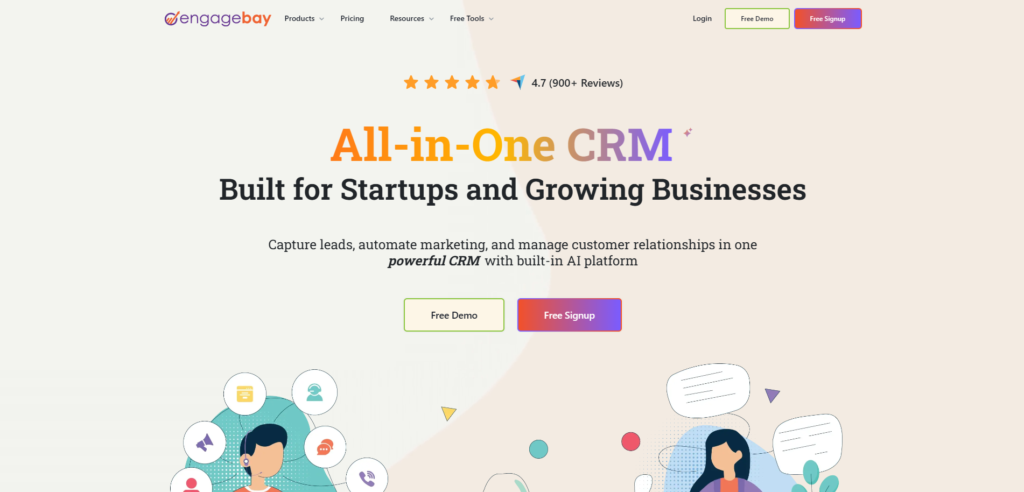
For service businesses under 5 staff that want functional CRM automation without the cost of GoHighLevel or HubSpot Professional, Brevo and EngageBay both deliver email and SMS automation with free tiers that cover basic service business workflows.
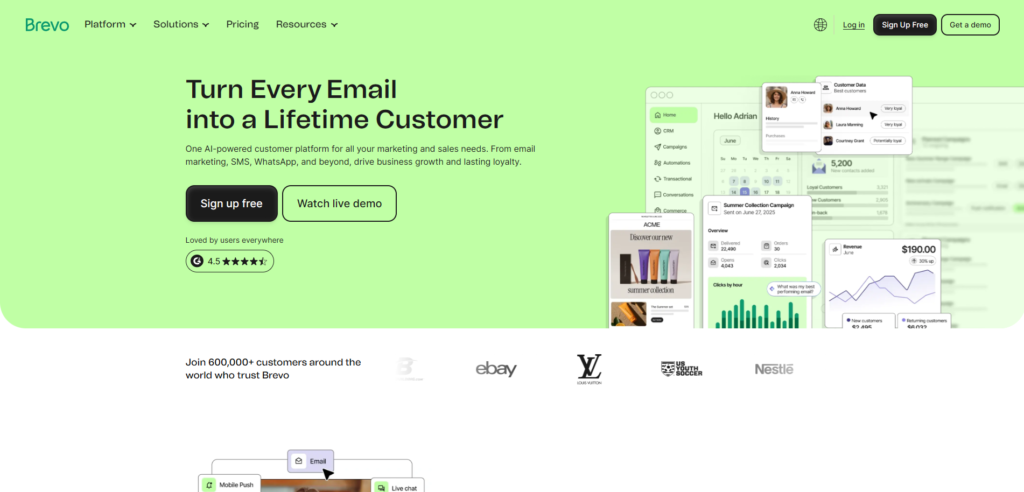
Brevo’s free plan includes 300 emails per day and basic automation. EngageBay’s free plan covers 250 contacts with email sequences and appointment scheduling. Neither matches GoHighLevel’s depth but both are functional starting points for businesses not yet ready to invest in a full platform.
For Complex Integration Requirements: Make.com as the Automation Layer
For service businesses already on a CRM but needing to connect it to external tools, Make.com is the most cost-efficient automation layer available.
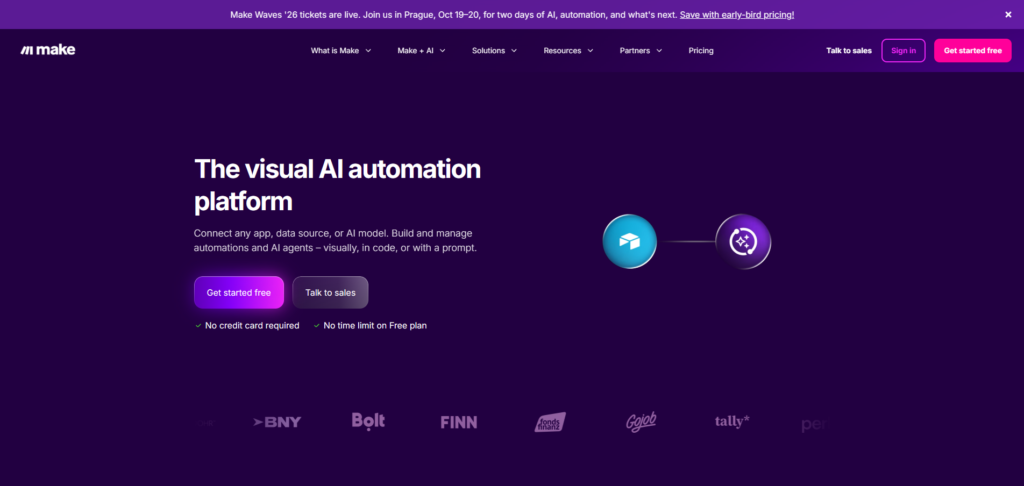
Use Make.com to connect your CRM to Facebook Lead Ads, Google Sheets, Slack, booking tools, payment processors, and any other tool in your stack. At $9 to $16 per month, Make.com delivers complex multi-step automation at a fraction of competing integration platform costs.
CRM Automation ROI: What Service Businesses Actually Measure
These are the metrics that change measurably after implementing CRM automation for service businesses, based on real implementation data.
| Metric | Before Automation | After Automation | Typical Improvement |
|---|---|---|---|
| Lead response time | 2 to 8 hours | Under 60 seconds | 95 percent faster |
| Appointment no-show rate | 25 to 35 percent | Under 10 percent | 15 to 25 point reduction |
| Lead follow-up touchpoints | 1 to 2 per lead | 7 to 10 per lead | 400 to 900 percent increase |
| CRM data accuracy | 50 to 70 percent | 90 to 95 percent | 25 to 45 point improvement |
| Admin time per client | 3 to 8 hours per week | 1 to 2 hours per week | 60 to 75 percent reduction |
| Review request rate | Inconsistent | 100 percent of deliveries | Systematic coverage |
Sales teams using CRM automation report 14.5 percent higher quota attainment on average compared to teams relying on manual processes. For a service business billing $5,000 per month per client, a 14.5 percent conversion improvement on a 20-lead-per-month pipeline represents significant additional monthly revenue from the same marketing spend.
CRM Automation Implementation Roadmap for Service Businesses
Implementation order matters. Building in the wrong sequence creates broken dependencies that require rebuilding later.
Week 1: Foundation
- Set up CRM with correct custom fields and tags
- Import existing contact database
- Build pipeline with correct stage structure
- Connect all communication channels (email, SMS, social)
Week 2: Lead Capture and Instant Response
- Connect all lead sources (forms, Facebook, Google, phone)
- Build instant lead response workflow
- Test with 5 real leads before activating
Week 3: Appointment and Nurture Automation
- Configure calendar with correct availability and buffer times
- Build appointment confirmation and reminder sequence
- Build 21-day nurture sequence for unbooked leads
Week 4: Post-Service and Reactivation
- Build post-service review request workflow
- Build 90-day reactivation campaign
- Set up Smart Lists for daily priority lead review
Month 2: Optimization
- Review which stages have the highest drop-off
- Add or refine automation sequences at problem stages
- Connect Make.com for any external tool integrations needed
Month 3: AI Layer
- Add Voice AI for after-hours inbound calls if applicable
- Add Conversation AI for SMS and chat handling
- Review AI performance and refine agent prompts
The most common mistake service businesses make with CRM automation is trying to automate everything simultaneously before any single workflow is proven. Build one workflow at a time. Test it with real contacts. Measure the result. Then build the next.
Common CRM Automation Mistakes in Service Businesses
Mistake 1: Automating a broken process
CRM automation amplifies whatever process it automates. A broken follow-up sequence becomes a broken automated sequence. Map your process on paper, fix the logic, then automate it.
Mistake 2: Skipping A2P 10DLC registration for SMS
In the US, all business SMS must be registered through A2P 10DLC. Without registration, carriers filter or block your messages silently. Your automation appears to work inside the CRM but nothing reaches the contact. Register before activating any SMS workflow.
Mistake 3: No exit conditions on nurture sequences
A lead that books an appointment should exit the nurture sequence immediately. Without exit conditions, a newly converted client receives “are you still looking for help?” messages while already onboarding. Every sequence needs clear exit triggers.
Mistake 4: Building too many pipeline stages
More than 8 stages creates friction. Team members stop updating the pipeline because moving cards feels like administrative work rather than selling. Keep pipeline stages to 5 to 8 maximum until your process is proven and your team is comfortable with the platform.
Mistake 5: Measuring the wrong metrics
Most service businesses track impressions and open rates after implementing CRM automation. The metrics that actually matter are lead response time, no-show rate, follow-up touchpoints per lead, and conversion rate by stage. Build your reporting dashboard around these from day one.
FAQ
Q: What is CRM automation for service businesses?
A: CRM automation for service businesses is the use of workflow rules, triggers, and AI inside your CRM to perform repetitive sales and marketing tasks automatically. This includes instant lead response, appointment reminders, multi-touch follow-up sequences, review requests, and client reactivation campaigns. The goal is to eliminate manual work from routine processes so your team focuses on high-value client interactions.
Q: What is the best CRM automation platform for service businesses in 2026?
A: GoHighLevel is the strongest all-in-one CRM automation platform for service businesses in 2026. It combines CRM, pipeline management, SMS and email automation, appointment booking, Voice AI, and funnel building in one platform at $97 to $297 per month. HubSpot is the best alternative for B2B professional services where inbound content marketing and multi-touch attribution are core priorities.
Q: How much does CRM automation cost for a small service business?
A: For a small service business, realistic monthly costs range from $100 to $300 per month depending on the platform and usage volume. GoHighLevel Starter at $97 per month plus SMS usage of $30 to $60 per month covers most service business automation needs. HubSpot Professional at $800 per month is required for full automation capability on that platform.
Q: How long does it take to set up CRM automation for a service business?
A: A complete CRM automation setup following the roadmap in this guide typically takes 4 to 6 weeks for a non-technical business owner working part-time on the configuration. With a specialist building it, the same setup takes 2 to 3 weeks. The first automations (instant lead response and appointment reminders) can be live within the first week and begin delivering ROI immediately.
Q: What is the most important CRM automation for a service business?
A: The instant lead response workflow delivers the fastest and most measurable ROI for most service businesses. Responding to a new inquiry within 60 seconds instead of 2 to 8 hours dramatically increases the probability of booking a consultation from that lead. This single workflow consistently recovers 30 to 50 percent more leads from the same marketing spend.
Q: Can CRM automation work without a technical background?
A: Yes. Modern CRM automation platforms including GoHighLevel, HubSpot, and ActiveCampaign are built for non-technical users. Workflows are configured through visual builders using plain-language triggers and actions. A business owner with no coding knowledge can build and activate the six core workflows in this guide with 10 to 20 hours of focused setup time.
Final Thoughts on CRM Automation for Service Businesses
The service businesses outcompeting their market in 2026 are not spending more on advertising. They are converting more of the leads they already generate by responding faster, following up more consistently, and delivering a more professional client experience from the first inquiry through post-service follow-up.
CRM automation makes all of that happen without adding headcount. The six workflows in this guide cover every major revenue leak in a service business sales process. Implement them in order. Start with instant lead response. Get that working before building the next one. Measure the metrics that matter: response time, no-show rate, conversion rate by stage.
The compounding effect of clean CRM automation running across a 12-month period is one of the most reliable competitive advantages available to service businesses that commit to building it properly.
Explore more CRM automation guides, GoHighLevel tutorials, and agency systems at makeJUMP Articles, covering the practical workflows and platforms that help service businesses and agencies scale in 2026.

Jaber Rayhan has 6+ years of hands-on experience creating marketing systems, sales pipelines, and automation workflows for service businesses in the USA, UK, Europe and the Middle East, as a CRM automation specialist and GoHighLevel expert. He is a CRM Expert and Manager at Sales Compass where he creates and implements end-to-end GHL automation solutions for real clients, such as CRM architecture, funnel design, appointment workflows, and lead qualification systems. He is also the founder of makeJUMP, a digital agency that specializes in CRM automation and GoHighLevel builds. All makeJUMP Articles are based on first-hand experience with implementation, not just research.